
1 free PDF export per day · works offline · 46 languages
Sign and fill any PDF on your phone
Open a PDF, Word or Excel file, add your signature, fill the form, and export a finished PDF in seconds. No computer, no printer, no account, and your files never leave your device.
- On-device
- Works offline
- No account
- No ads
- No watermark
Everything on-device
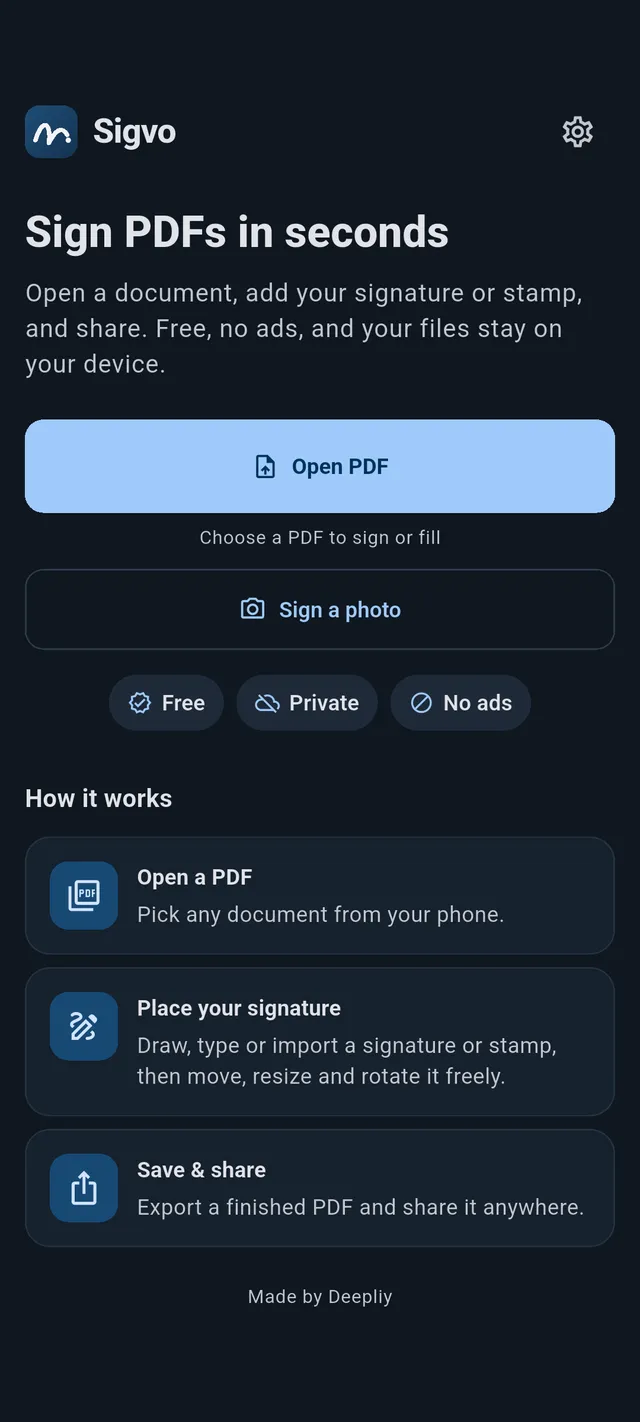
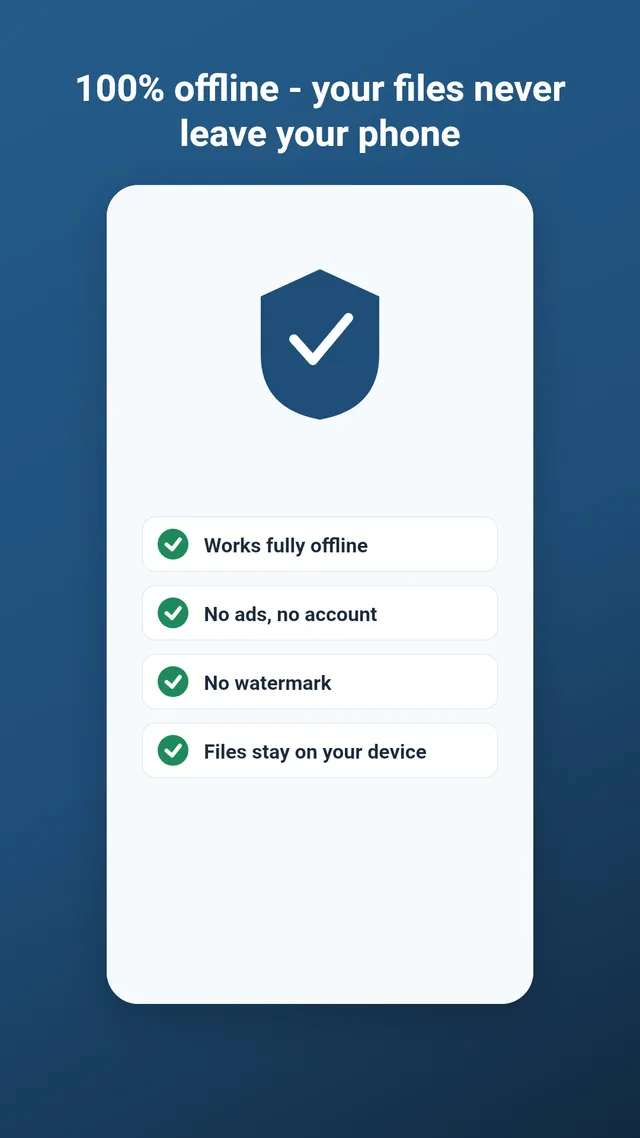
Your documents, signatures and scans are processed on your phone. Nothing is uploaded.
No account, no sign-up
Open the app and sign. There is no login, no email wall, no profile to create.
No ads, no watermark
The finished PDF is clean. There is no ad SDK and no banner stamped across your file.
Features
One app for signing, filling and converting
Sigvo covers the paperwork you do on a phone: sign, fill, convert and scan, then share the result.
Sign a PDF three ways
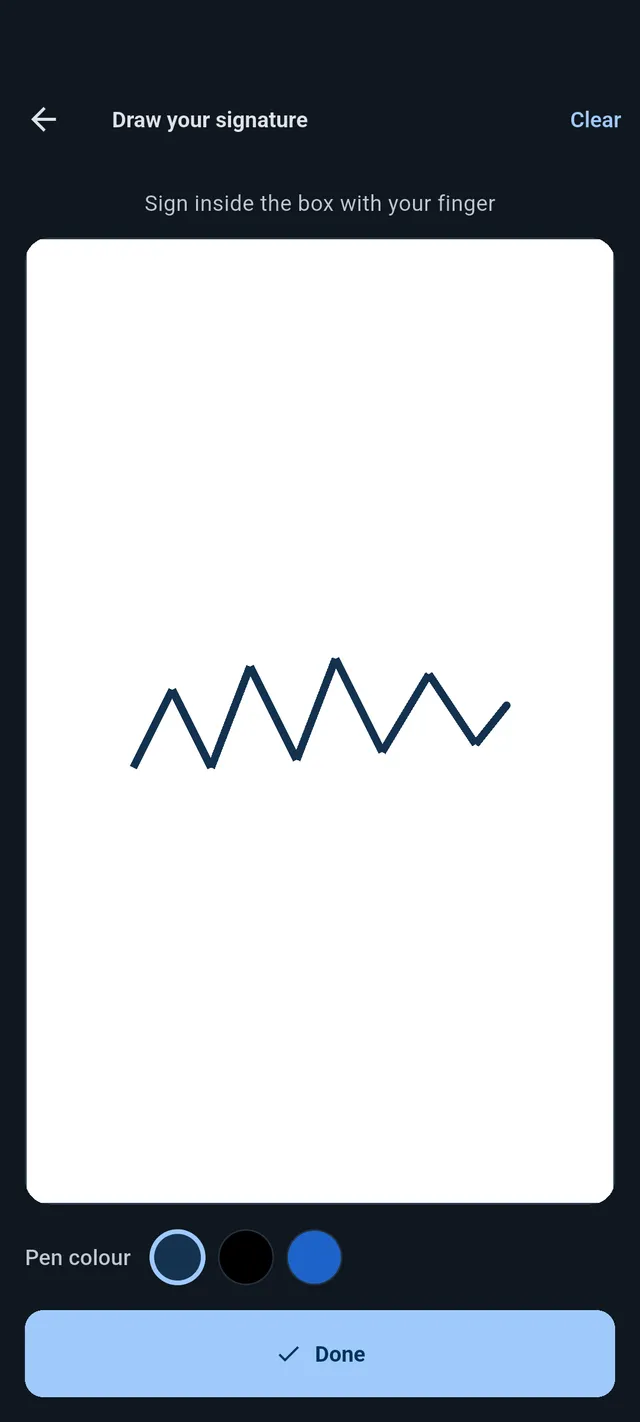
Draw your signature with a finger, type your name in a script font, or import a saved PNG. Save it once and reuse it with one tap.
Fill PDF forms
Type text into any field, then add a date, initials or a stamp. Fill out and sign a form without printing it.
Convert to PDF
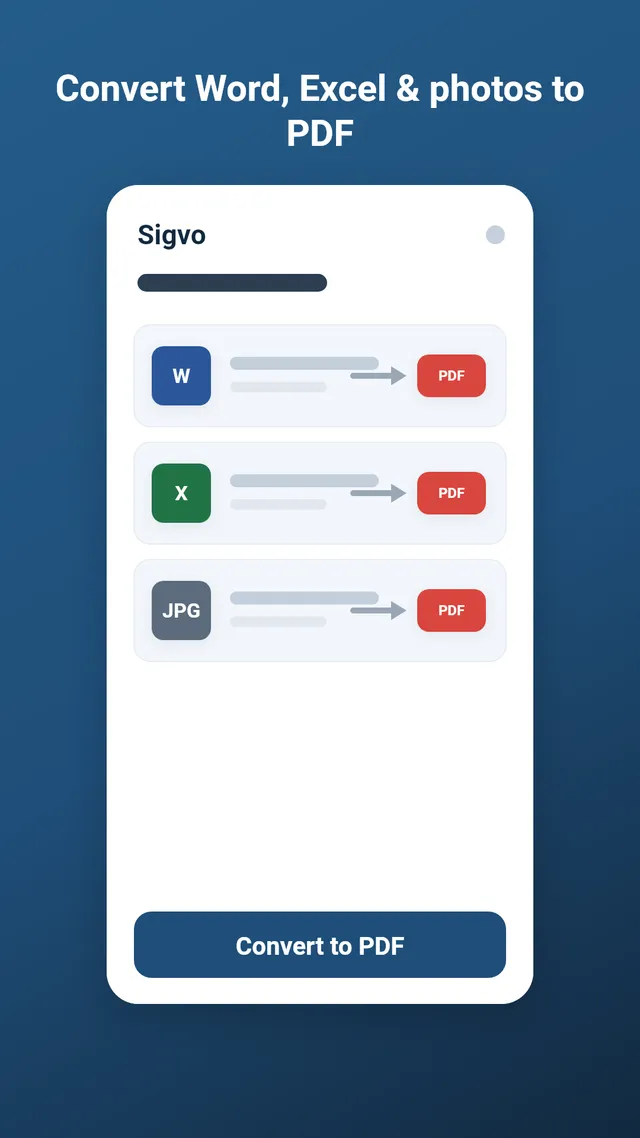
Turn Word, Excel and JPG files into PDF on your device, then sign the result. No upload, no conversion website.
Scan paper to PDF
Photograph a contract or form and Sigvo crops and sharpens it into a clean PDF, ready to sign.
Batch sign a stack
Turn on batch mode, let the camera catch each page, and stamp your signature, the date and a rising number on every one.
Place it exactly
Drag, resize and rotate each signature or stamp. Reorder layers, undo any step, and see snap guides as you align.
Sign a PDF in three steps
- 1
Open a document
Pick a PDF, Word or Excel file from your phone, or open one shared from email, files or chat.
- 2
Place your signature
Draw, type or import a signature or stamp, then move and resize it exactly where it belongs.
- 3
Save and share
Export a flattened PDF and share it back in seconds, or save it to your device.
Convert to PDF
Convert Word, Excel and photos to PDF, offline
Sigvo converts documents on the device with a built-in engine, so a sensitive contract or spreadsheet never goes to a conversion website. Convert, then sign the result in the same app.
Convert to PDFScan to PDF
Scan paper, then sign it
A paper form in hand? The built-in scanner snaps a photo, finds the edges, and produces a clean PDF you can sign right away, with no separate scanner app.
Scan to PDF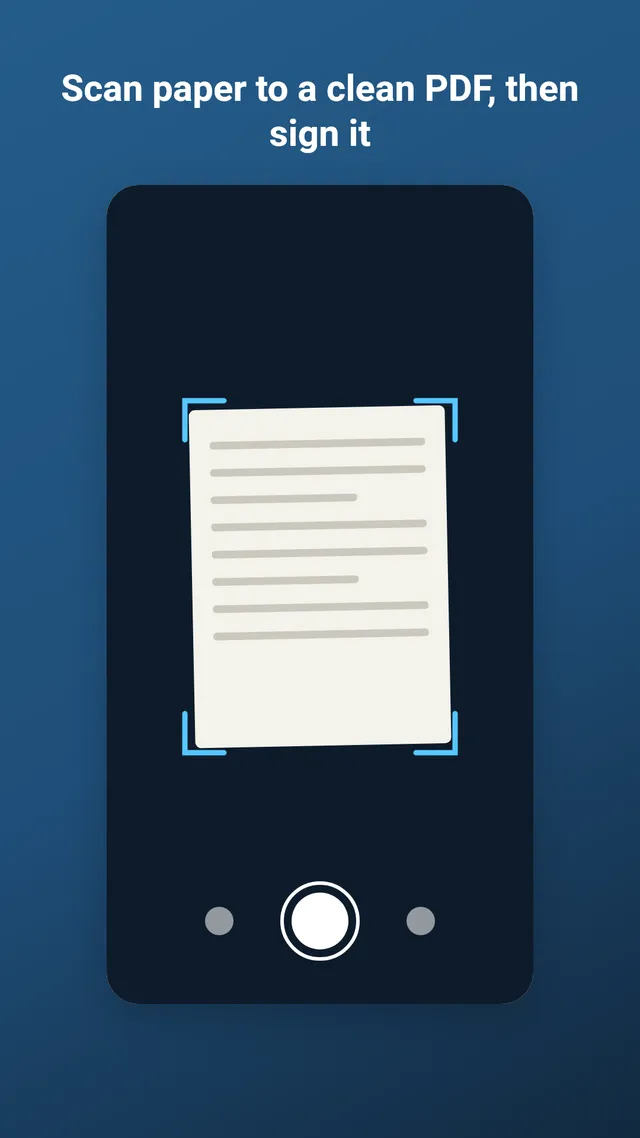
Your documents stay on your phone
Signing a contract means handling private information. Sigvo keeps that information where it belongs: on your device. Files are opened, converted, scanned and signed locally, and are never sent to a server.
- PDFs, images, signatures and scans are processed on-device.
- No account and no cloud storage, so nothing can leak.
- Camera captures for scanning are cropped and enhanced locally, never uploaded.
- Anonymous crash and usage diagnostics can be turned off in Settings.
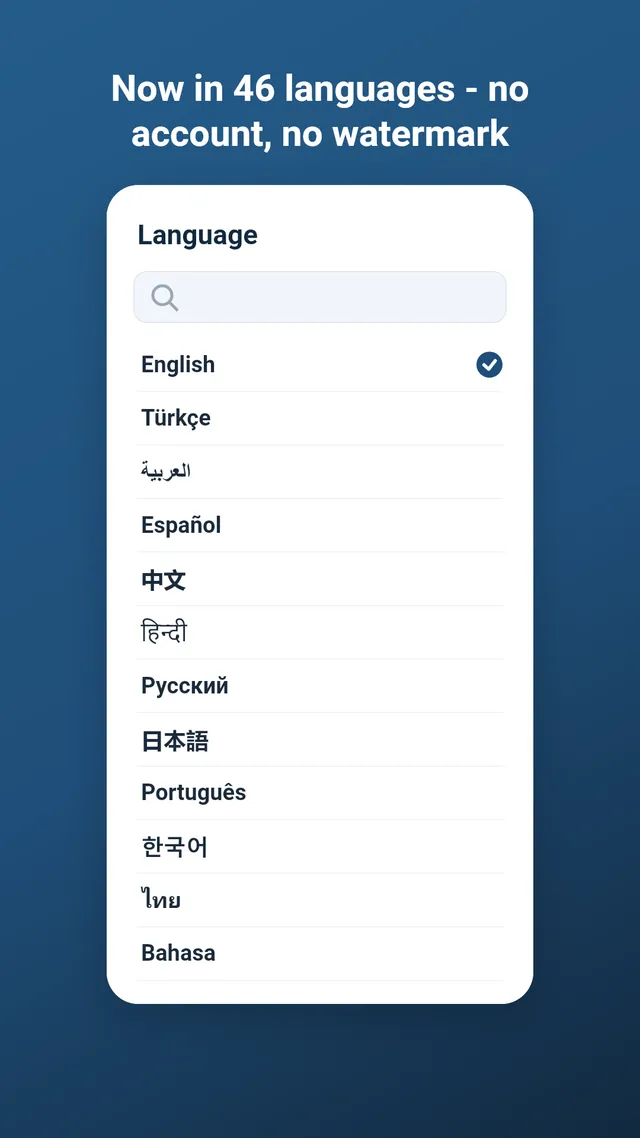
Sigvo speaks your language
The app is fully translated into 46 languages, from English and Turkish to Arabic, Hindi, Japanese and more. This site starts in English and Turkish, with more languages on the way.
46
FAQ
Frequently asked questions
How do I sign a PDF on my phone?
Open the PDF in Sigvo, tap to add a signature, then draw it with your finger, type your name, or import a saved image. Drag it into place and export the signed PDF. The whole process runs on your device.
Can I fill in a PDF form?
Yes. Type text into any field, and add a date, your initials or a stamp with a single tap. You can fill out and sign a form without printing it.
How do I convert Word to PDF?
Open the docx file in Sigvo and it produces a PDF on your device, ready to sign. Excel (xlsx) and image files convert the same way, fully offline.
Can I scan a paper document to PDF?
Yes. The built-in scanner photographs a page, crops and sharpens it, and makes a clean PDF. Batch mode can capture and sign a whole stack at once.
Does Sigvo work offline?
Every core feature, from signing and filling to converting and scanning, works with no internet connection. Your files stay on the phone.
Sign your first PDF today
Install Sigvo, open a document, and export a signed PDF before your coffee gets cold.
1 free PDF export per day · no ads · no watermark
Sigvo adds a visual signature to your documents. It is not a substitute for a qualified electronic signature service, such as an eIDAS qualified e-signature or your country's legally certified electronic signature.